Gear Guide
Parallel Compression: The Fader Nobody Explains

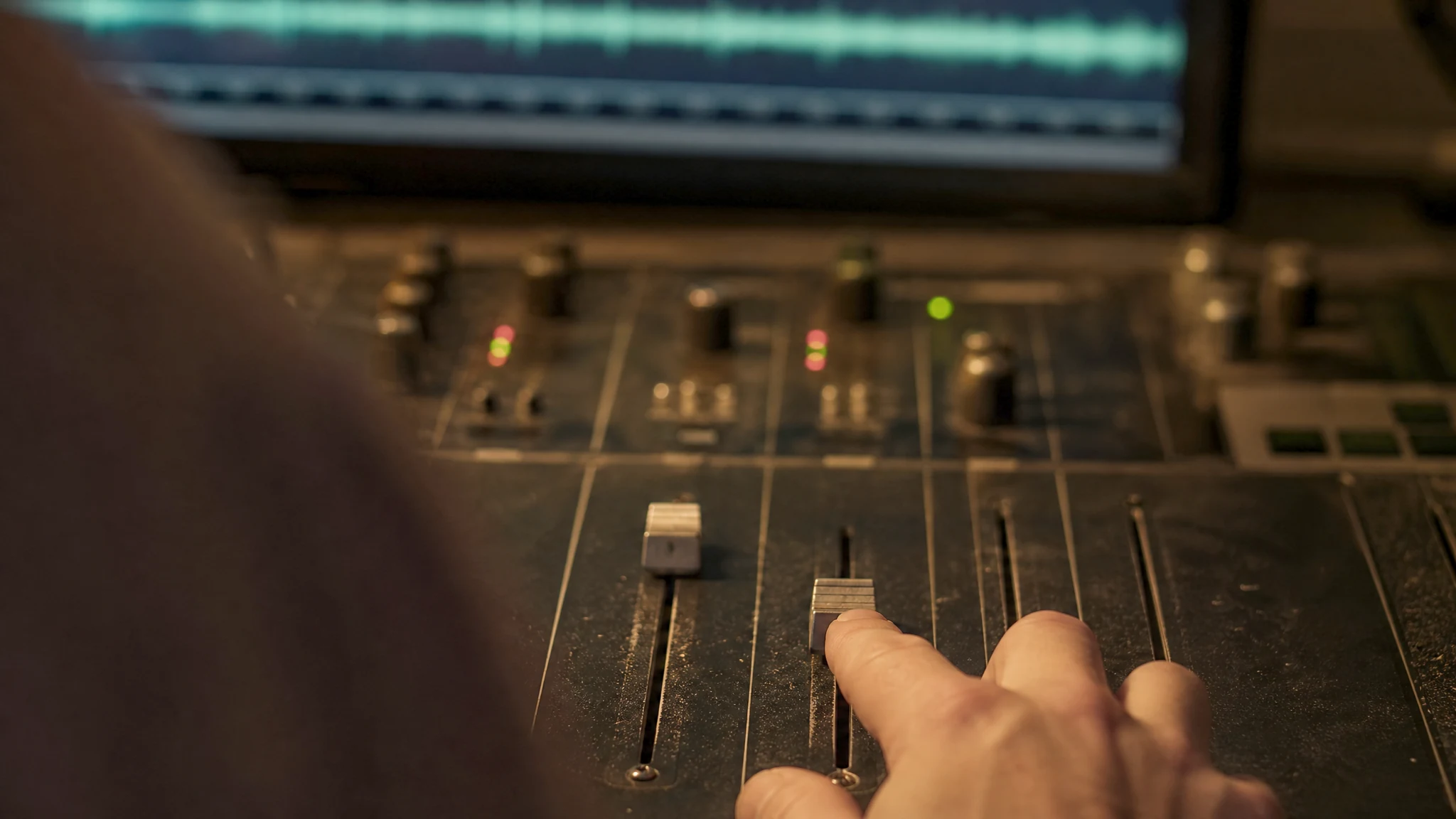
The first person who showed me parallel compression showed me the fader and nothing else. Duplicate the drum bus, flatten the copy, push it up until it sounds better. I went home and did exactly that. It sounded better, and I printed the mix that night feeling let in on something. What I had done was make the drums 2 dB louder than the version I had lived with for three days. Some of what I heard was density. The rest was level, and I had no way of telling them apart.
The technique is old and it works. What gets passed around has the arithmetic taken out, which is a shame: the arithmetic explains why a blend is not the same as a softer setting.
Here is what the blend does to the transfer curve, the two places it goes wrong, and where I start.
It is not the same as easing off the ratio
Turn a ratio from 10:1 down to 2:1 and every part of the signal gets less gain reduction, the quiet parts included. The curve keeps its shape and tilts. That is the only move a ratio knob has, and it is not the move you want when a drum bus sounds thin while the hits are already hitting hard enough.
Parallel compression does something the ratio knob cannot. Leave the compressor as brutal as you like, low threshold and a ratio nobody admits to in public, and put the untouched signal underneath it. The dry path carries the peaks at full height. The squashed copy has nothing left at the top, because that is what squashing did to it, so past a certain input level it stops adding anything and the sum is carried by the dry signal alone. Underneath, where the dry is quiet and the copy is not, the copy is most of what you hear.
On a graph the difference stops being a matter of taste. Below the wet path's threshold both signals scale together, so the lift is constant. Above it the wet path flattens out and the sum bends back towards the diagonal.
Read the top of the teal curve. Over the last 10 dB before clip it behaves like 1.2:1, close enough to a straight wire that a transient never learns there is a compressor in the room. The amber curve holds 2:1 to the ceiling. Both lift the quiet end by the same 20 dB. Only one leaves the loud end alone.
The honest description is not gentler. It is a compressor whose effective ratio falls as the signal gets louder, which is the opposite of what a ratio knob does.
Two signals do not add up to nothing
Here is what ruins the comparison. Sum a signal with a coherent copy of itself at the same level and you get 6.02 dB, not zero. At 10 dB down the copy still adds 2.4 dB. Even 20 dB down, a blend most people would call a hint, puts nearly a decibel on the bus. No setting of the parallel fader is level-neutral except all the way off.
The rise is not spread evenly either, which is the point and also the trap. The compressed copy is loudest, relative to the dry, exactly where the dry is quietest, so the sum gains most in the middle of the level range and least on the peaks. That is why it reads as density rather than volume, and why, when you bypass the parallel bus to check your work, the mix drops and thins out in the same instant.
Nobody hears that as quieter. They hear it as worse. A decibel sits below where most of us notice loudness as loudness; it arrives as authority instead. An unmatched A/B can only return one answer, and it returns it whether the processing helped or not.
The copy arrives late
Eight of our nine compressors report 32 samples of latency to the host, and the figure does not change with the sample rate. That is not a lookahead detector. It is the group delay of the up- and downsampling filters that the oversampled path runs through, and inside the plugin the dry side is delayed by the same 32 samples so that everything stays lined up. At 44.1 kHz it works out at 0.73 ms, at 96 kHz 0.33: small enough to ignore in series, and not small enough to ignore in parallel.
If your host's delay compensation is doing its job, that costs you nothing: the parallel bus gets pushed back into line and you never think about it. When it is not, summing a signal with a copy 0.73 ms behind it builds a comb filter with its first notch at 689 Hz and another every 1.38 kHz above that. It does not sound like a timing problem. It sounds like the low mids went hollow, and you will reach for an EQ.
It breaks silently: monitoring modes that switch compensation off on some hosts, a hardware insert on the chain, printing one path and not the other. The test takes a minute. Duplicate the track, flip the polarity on the copy, drop the compressor on one side and switch it out with its Power button so it passes audio untouched. Silence means the delay is compensated; anything you hear is the comb filter.
The ninth sidesteps all of it. The KH-COMP1 does not oversample, taking its detector accuracy from an IIR Hilbert pair instead, and reports zero latency.
Five of ours have the knob. Four do not
Worth being blunt about, because it decides whether you need an external parallel rig at all. A Mix control built into the compressor is parallel compression done inside the plugin, with the dry signal taken from the same latency-compensated buffer as everything else. Aligned to the sample by construction. No bus, no compensation to worry about, no second fader to forget.
The VLA-FET, the VLA-2A Mark II, the OmniTec-436C, the VTC-2 and the KH-COMP1 all have one. Four read 0 to 100; the VTC-2 reads 0 to 10, same idea, different faceplate. The KH-COMP1 ships three presets that say the quiet part out loud: Drums Parallel, Kick Parallel, Vocal Parallel. The VLA-FET's Drumroom preset sits at Mix 15, attack at its fastest, release at its slowest, which is the whole technique in one recall.
The VLA-2A, the VLA-3A and both SC-5s have no Mix control. The parameter does not exist, because the hardware never had one. Want the original LA-2A behaviour under a dry track and you build the bus yourself.
Which cuts the other way. Own one of the five and an external chain buys you a second fader and a fresh way to get the timing wrong.
Where I start
On drums I am after the room and the decay, not the kick. The KH-COMP1 goes on the bus with the ratio around 10:1, the attack near the fast end of its 0.5 to 40 ms range, release around 100 ms, and the threshold pulled until the meter reads 10 to 15 dB on every hit — a setting that would be indefensible in series. Then Mix up from zero until the room arrives, usually between 20 and 30.
On a lead vocal the numbers come down hard. Ten to fifteen percent, 6 to 8 dB on the wet path, and what I listen for is the end of the phrase rather than the front: breath, consonant tails, the last third of a held note. Parallel does not control a vocal; expecting it to is how people end up with a dense vocal that still jumps 10 dB between lines. Something in series ahead of it, doing three or four decibels, then blend for weight.
On a mix bus I use less than people expect. The OmniTec-436C suits the job for a reason that reads like a limitation: its attack only goes as fast as 10 ms and its release starts at 250 ms, so it cannot chase peaks. Six on the wet path, Mix around 20.
When it makes things worse
The failure that catches most people is the noise floor. You are lifting quiet material by fifteen or twenty decibels, and quiet material includes the hi-hat bleeding into the tom mics, the amp hiss, the air conditioning, the singer's chair. On a kit where gates are already working to hold the bleed back, a parallel bus quietly undoes them, and the fix is not a better compressor. It is cleaner tracks.
Then there are sources with nothing left to lift: a programmed kit built from one-shots, a loop that arrived mastered, a bounce that has been through a limiter. The quiet part you want to raise was raised before it got to you. Blend a squashed copy in and you get level, and a headroom problem.
It is the wrong tool when the problem is peaks: the dry path carries them at full height and the blend never touches them. And it fights glue, which lives in the loud parts that parallel deliberately exempts.
All of these run as a full 14-day trial from the license manager. Take a drum bus, set the Mix to 100, make the compressor sound awful, then walk it back to 20 with one eye on a loudness meter.

Add a comment
You need to be logged in to add comments.