
Vocal Chain
Low End, High End, Compress, Reverb, Echo, Width. Six modules on one panel, in the order a vocal actually gets mixed — so the take that fought you all morning sits in the track in about ninety seconds.
Buy now See the chain
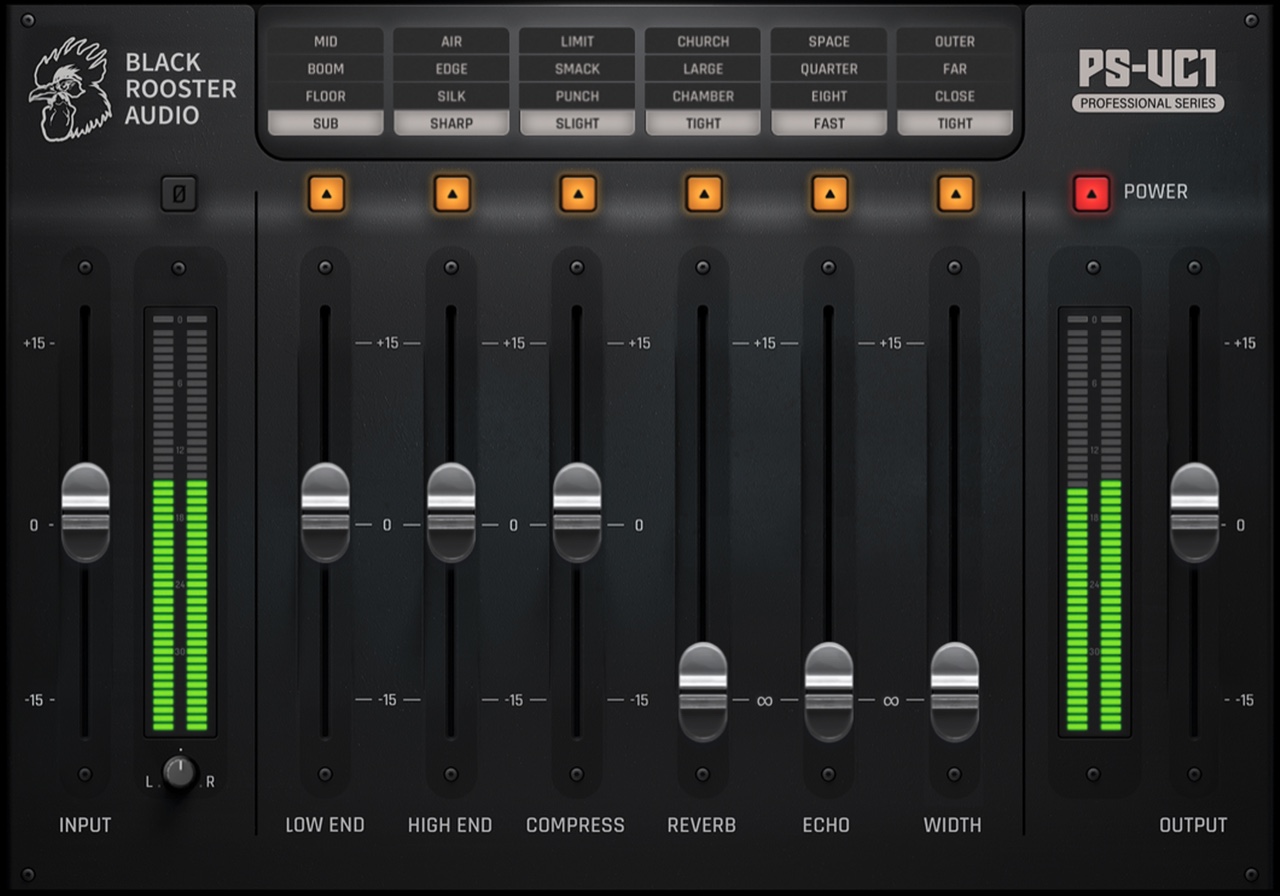
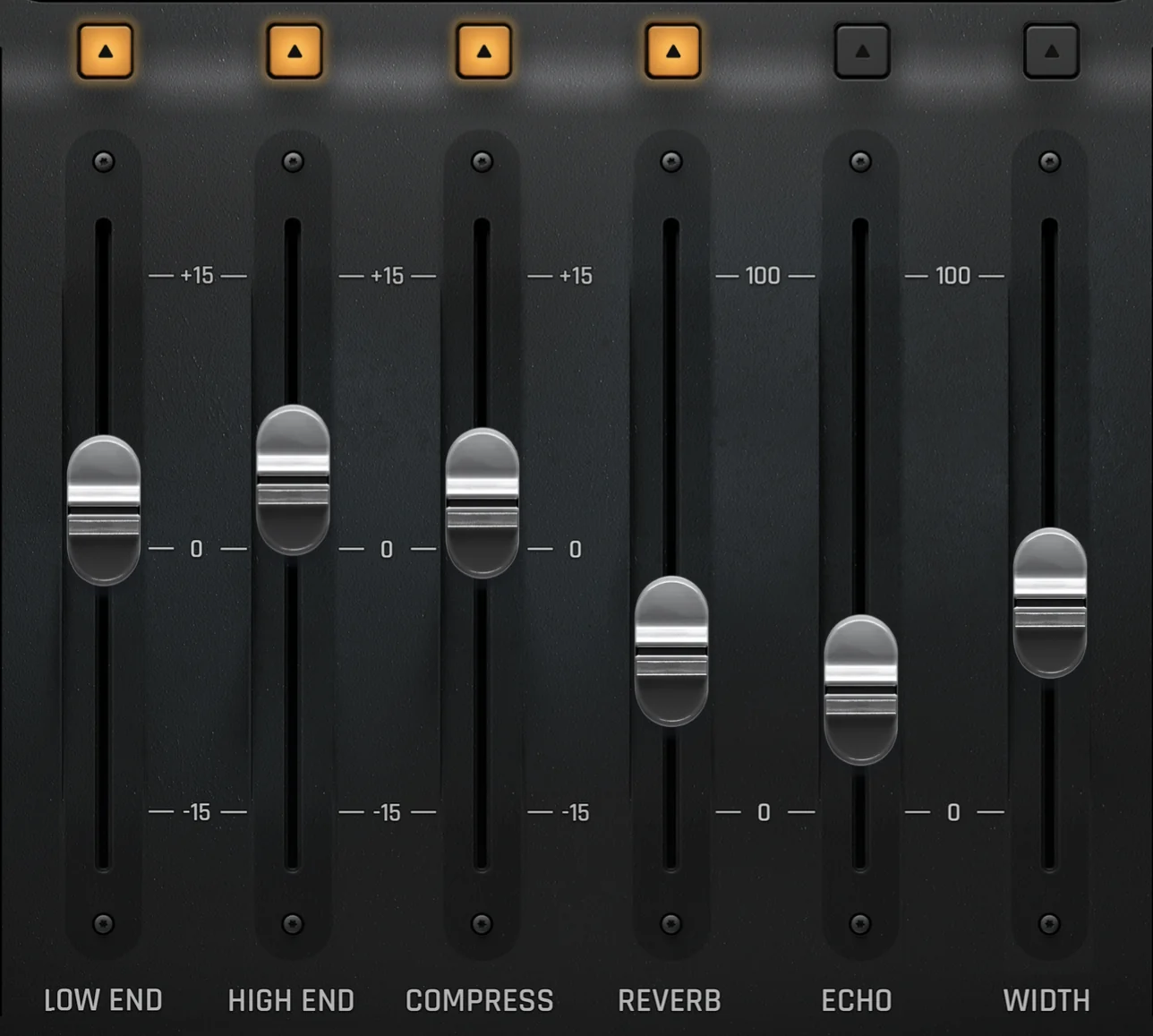
Four starting points per module, each one argued over until it earned its place. Nothing to build from scratch, nothing to name, nothing to save. Below is the actual panel — not an illustration of it.
Low End, High End and Compress run ±15 dB. Reverb, Echo and Width are mix controls from 0 to 100. Each module bypasses on its own lamp.
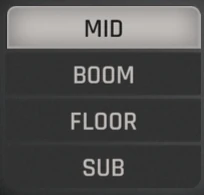
Rumble, proximity effect and low-mid buildup, handled before anything else touches the signal. Sub reaches down to 20 Hz, Mid runs up to 640 Hz for the vocal's fundamentals.
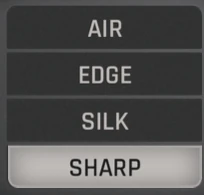
Sharp sits in a tight 5–6 kHz window for sibilance. Silk smooths, Edge brings presence, and Air opens the top all the way to 20 kHz.
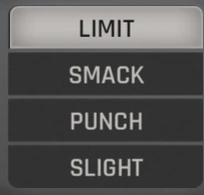
Four styles from transparent leveling to Limit, driven by peak or vintage detection. Auto makeup gain matches the level for you, so bypassing the module compares character instead of loudness.
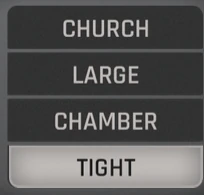
A reverb algorithm written for this chain: small reflective rooms through to cathedral decay, designed to stay out of the CPU meter when you have forty of them open.
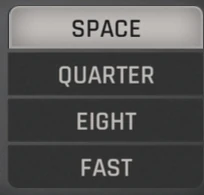
Tempo-synced or free-running. Fast for slapback thickness, Eight and Quarter for rhythmic repeats, Space for long ambient trails.
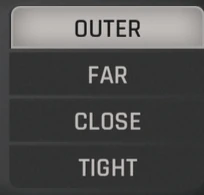
Three different stereo algorithms across four amounts. Widen the vocal without gambling on what happens when the mix folds to mono.
The panel is laid out in the order you already work in. Start at the top, finish at the bottom, and you are done — no routing to plan, no chain to rebuild for the next song.
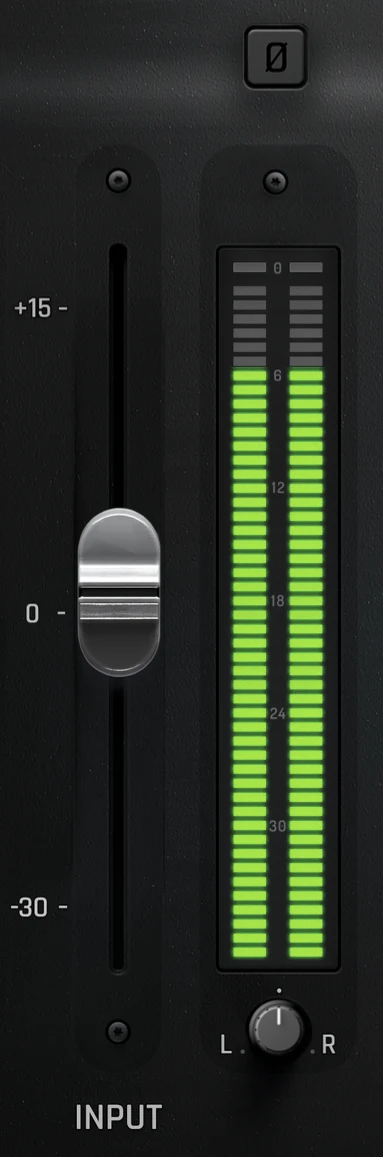
Bring the vocal to a healthy working level on the input meter before any processing. Check phase here if the take used more than one microphone.
Remove rumble and proximity buildup first. The compressor reacts far more predictably once it is not reading energy you intend to throw away.
Pick a style, leave auto makeup gain engaged, and bypass the module repeatedly. Levels are matched, so you are judging character rather than volume.
Add presence and air, and tame any sibilance the compression has just brought forward.
Reverb and Echo last, then Width to decide how far the voice spreads. Check it in mono if the mix is headed for club, broadcast or phone speakers.
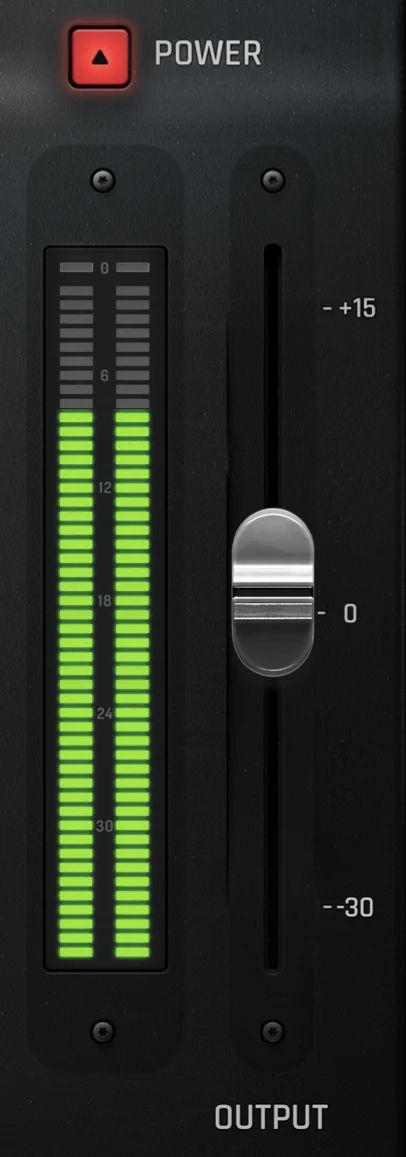
Trim the output so engaging and bypassing the plug-in produces no level jump — then make the call with the Power switch.
Two meters, two faders, and nothing left to guess at either end of the chain.
Input gain from −30 to +15 dB, a phase invert for multi-mic sources, and a pan control that places the signal before any processing happens. The high-resolution LED meter is there so you set the level by eye rather than by hope.
The same range on the way out, with a second LED meter after all processing. Power drops the whole chain while signal keeps flowing, so the A/B is instant and nothing in the session has to be re-patched.
Six modules is the headline. These are the details you notice in the second session, once the novelty has worn off and you just want the vocal done.
The compressor compensates for its own gain reduction, so an A/B compares the compression instead of rewarding whichever version is louder.
Every module switches out on its own, and the global Power switch drops the whole chain while keeping signal flow intact.
High-resolution LED VU meters on input and output with extended dynamic range, plus a dedicated gain-reduction readout.
Six modules in the sequence a vocal actually gets mixed — clean, control, shape, then place. No routing decisions to make.
Rich spatial processing at a CPU cost that survives a session with a vocal chain on every track.
Seven interface sizes from XXS to XXL, rendered crisply on high-DPI displays under macOS and Windows.
AAX, VST, VST3 and Audio Units, on macOS and Windows. Whatever is already open on your second monitor, the PS-VC1 loads into it.
ProTools
Studio One
Cubase
Reaper
Bitwig
Audition
Live
Logic
Digital Performer
FL Studio
Put it on a lead vocal you already know inside out — that is the only test that settles anything. Every module, no feature restrictions, no watermarks. The trial license takes a minute to create and the account costs nothing.
Buy now Full product page